
Tally Plotting
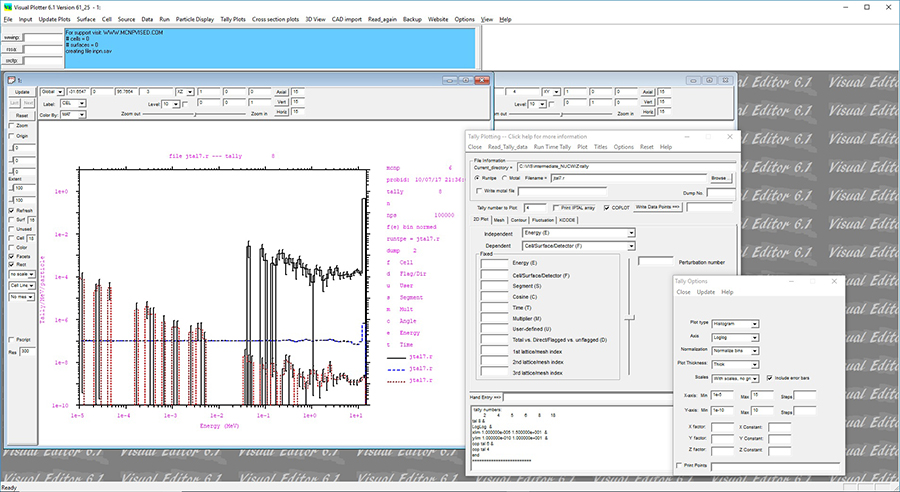
To create a tally plot, the user must specify a runtpe or mctal file that contains the tally and specify which type of file. In this case, a mctal file called mctaq is read in. In many cases, the user can just select plot and a default plot will be displayed. If a default plot is not displayed, an independent variable to plot against must be specified. In the above figure, the energy bin is specified as the independent variable.
For the tally plots, it is more convenient to change the plot window to be rectangular as shown in this figure. To do this, select the Rect toggle button to the left of the plot window.