Dynamic 3D Display

.
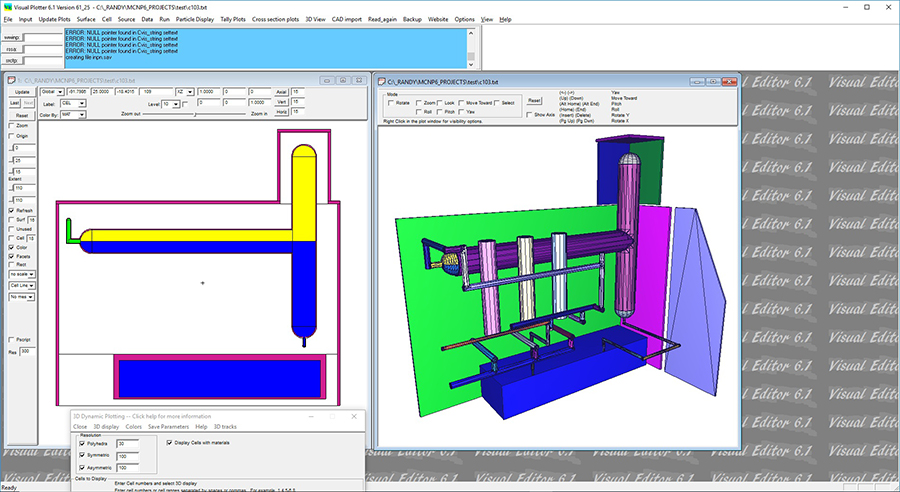
The Visual Editor has a dynamic 3D display option that will generate a 3D geometry that can be rotated with the mouse and the transparency of the cells can be set.
The dynamic 3D display does not work for lattices and universes and can be slow in generating complex geometries. There are a number of options for moving around the geometry including Roll, Pitch, and Yaw options that allow the viewpoint to moved dynamically around the model.
There are also a number of visibility options for the cells including wireframe and transparent.
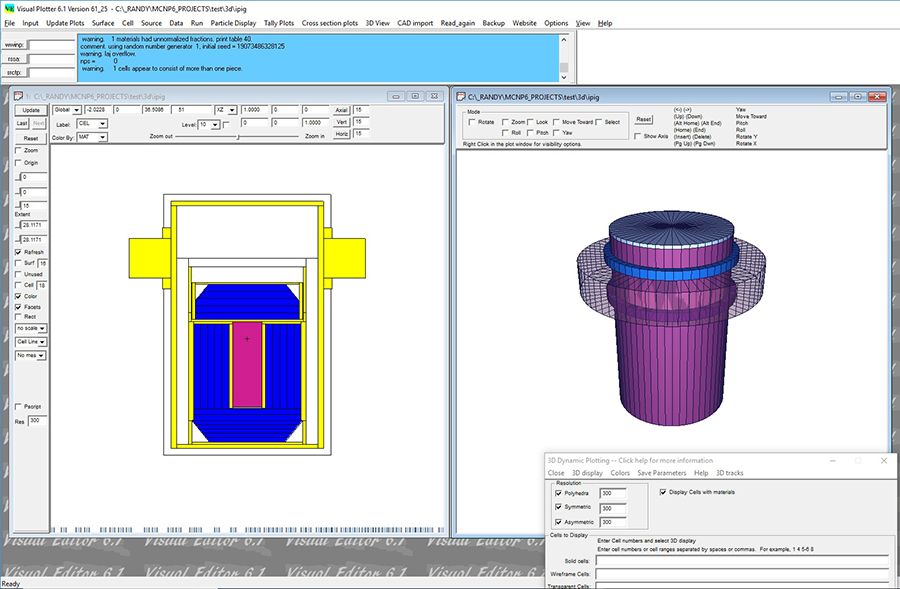
Below is another example of 3D dynamic plotting of a glove box.

The following exercises demonstrate the use of this feature:
Dynamic 3D Plotting
Display a Dynamic 3D Plot of a box with a freestanding doorway.
To download the instructions in a .pdf file, Click Here.
To download the input file, i3ddynamic, Right Click Here and select Save Target As....
Dynamic 3D Plotting with an Incomplete Input File
Display a Dynamic 3D Plot of an Incomplete Input File.
To download the instructions in a .pdf file, Click Here.
To download the input file, i3ddynamic2, Right Click Here and select Save Target As....